Deploying Services on AlmaLinux 10 Made Easy
Learn how to deploy services like WordPress, GLPI, and BookStack on AlmaLinux 10 quickly and safely using ADR (Auto-Deploy Role)
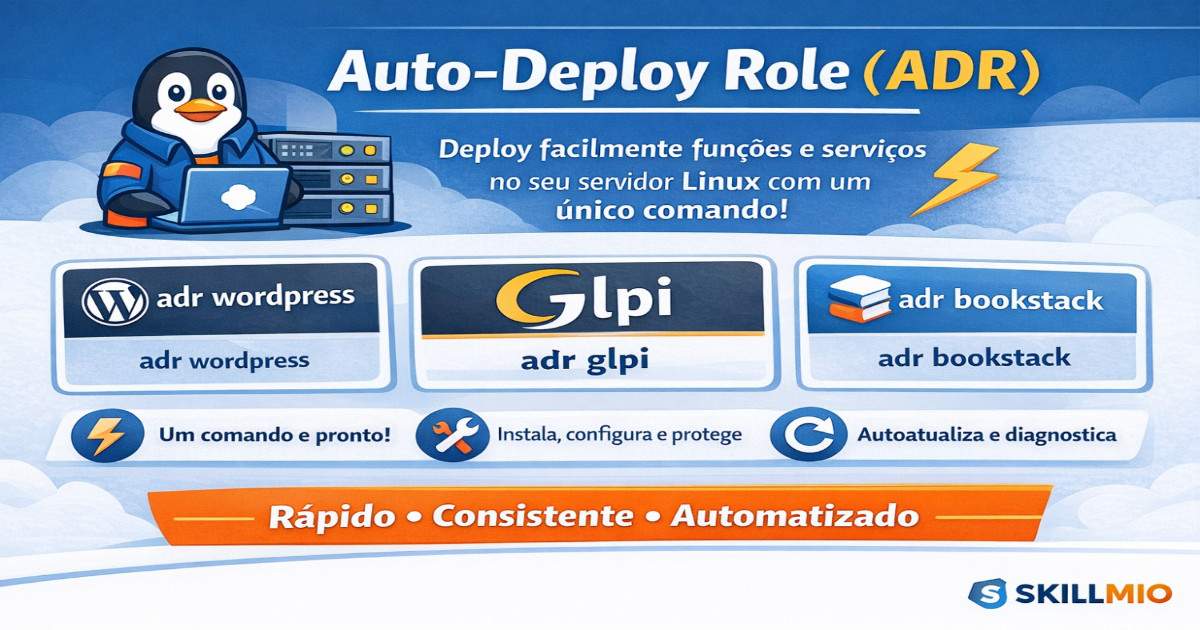
GitHub repo: https://github.com/skillmio/adr
Introduction
Managing Linux servers can be time-consuming, especially when installing and configuring services like WordPress, GLPI, or BookStack. With ADR (Auto-Deploy Role), you can deploy complete roles with a single command, quickly and consistently.
Installing ADR
In the terminal, run:
1
2
3
curl -fsSL https://raw.githubusercontent.com/skillmio/adr/main/adr.sh -o /tmp/adr
chmod +x /tmp/adr
sudo mv /tmp/adr /usr/local/bin/adr
Set the language before any other action:
1
adr -lg en
Check ADR installation and help:
1
adr -h
Tip: Run ADR on a fresh installation and take a snapshot of the server before applying roles.
How to Deploy Roles/Functions
- Install WordPress:
1
adr wordpress
- Install GLPI:
1
adr glpi
- Install BookStack:
1
adr bookstack
ADR automatically detects your system, downloads the correct configuration, installs the service, and applies security best practices.
Listing and Searching Roles
- List all available roles:
1
adr -l
- Search for a specific role (fuzzy search):
1
2
adr --find wordpress
adr -f glpi
Updates and Diagnostics
- ADR checks for updates automatically.
- Diagnostics and repair:
1
2
adr -d       # Check installation and configuration files
adr -r       # Fix issues automatically
Summary
With ADR, you can deploy roles on AlmaLinux 10 easily, safely, and consistently. Each service is installed with secure configuration defaults, saving time and reducing errors.
If you want, I can also adapt the banner and visuals text to English to match this translation for a fully localized post. Do you want me to do that?